

Download Actual Installer – installer, software, package, create, setup, user, tool, utility, application, Windows
Overview
Actual Installer is a productivity-focused utility designed to streamline the creation of professional-grade installation packages for user-developed software on Windows systems. The application addresses a common challenge faced by developers and software creators: delivering a polished, reliable setup experience to end users. By simplifying the packaging and deployment process, Actual Installer reduces the technical burden of creating installers that include essential components such as license agreements, Read Me files, and system compatibility checks. This makes it particularly valuable for independent developers, small software teams, and IT professionals who need to distribute software efficiently without requiring deep expertise in installer technologies.
The tool is tailored for users who create custom applications or utilities and want to present them with a professional installation interface. Its core value lies in transforming a collection of files into a structured, user-friendly setup process. Real-world use cases include distributing internal tools, open-source projects, educational software, and commercial applications with minimal overhead. By integrating language support, system checks, and clean uninstallation, Actual Installer enhances the overall software distribution lifecycle.
Although the developer did not provide additional technical details about their background or prior products, the app’s release on May 20, 2024, indicates a recent entry into the Windows productivity space. As a free tool, it offers accessible entry for users seeking a lightweight yet capable solution for software packaging. In the broader app ecosystem, it fills a niche by providing a no-cost alternative to more complex and expensive installer builders, contributing to democratized software distribution.
Key Features & Functionality
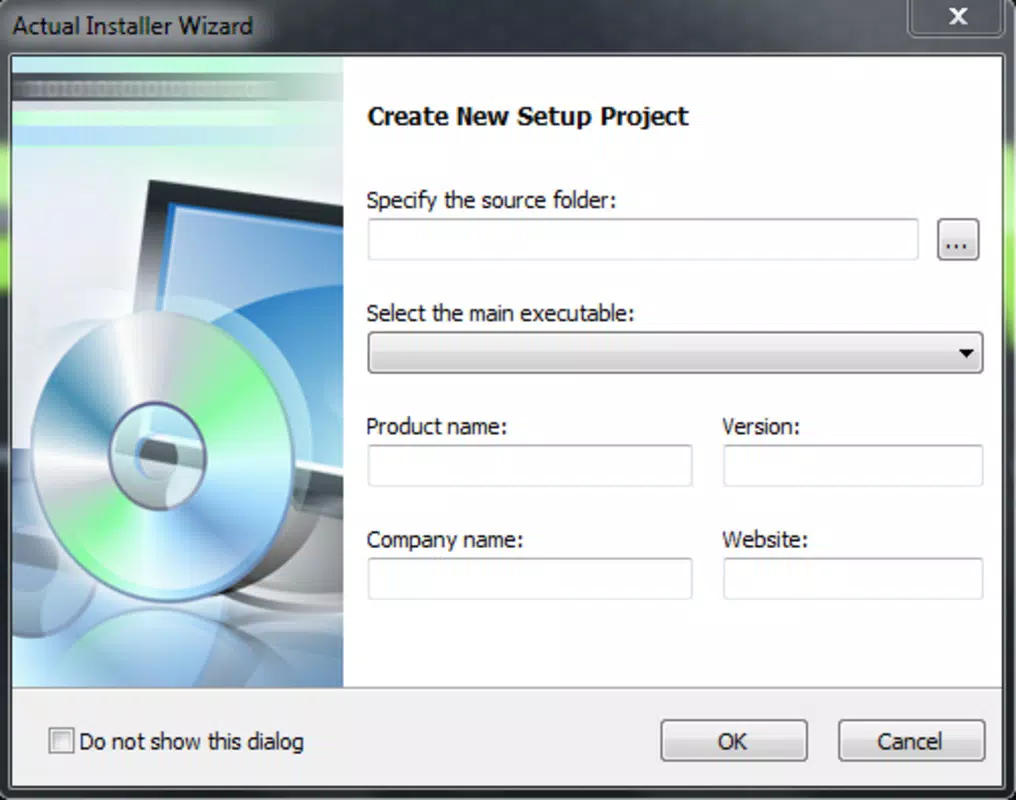
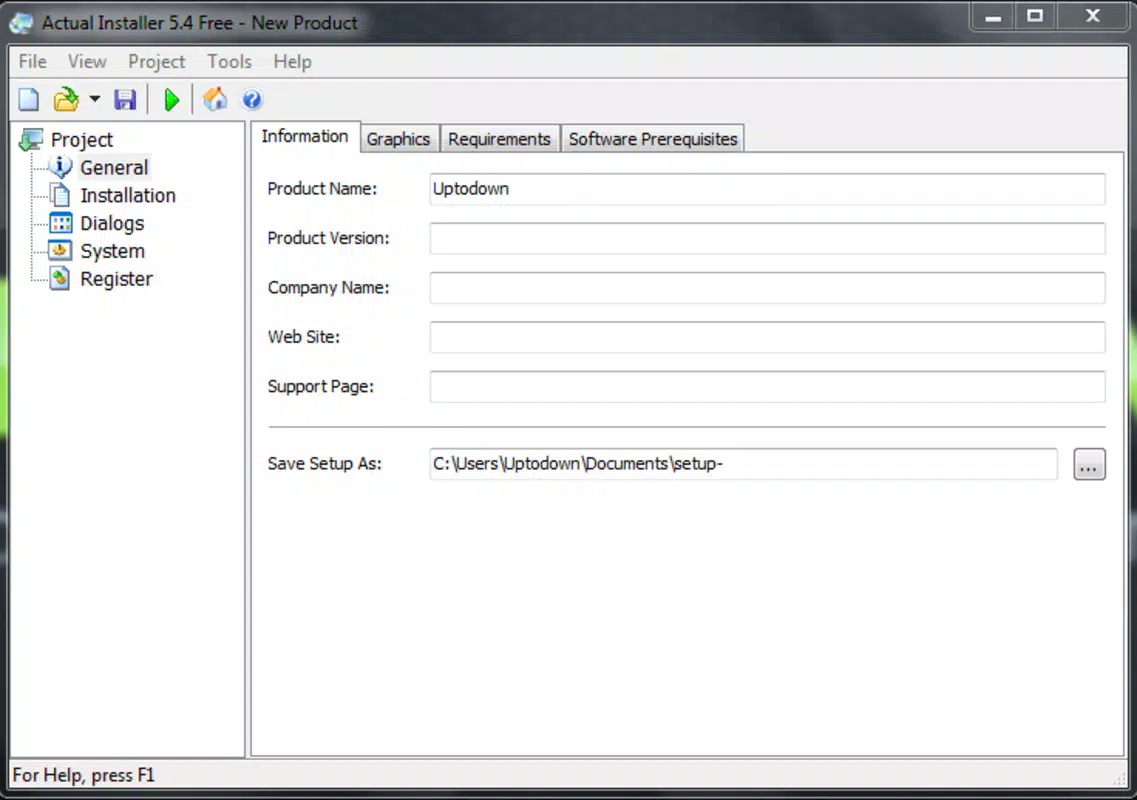
- User-Friendly Interface: The software features an intuitive layout that enables users to input key details such as program name, company, and version with minimal effort. This design ensures accessibility for users with limited technical experience, reducing the learning curve associated with installer creation.
- Multi-Language Support: Users can include license agreements and Read Me files in multiple languages, allowing software to be distributed globally with localized documentation. This feature supports international audiences and improves user comprehension across regions.
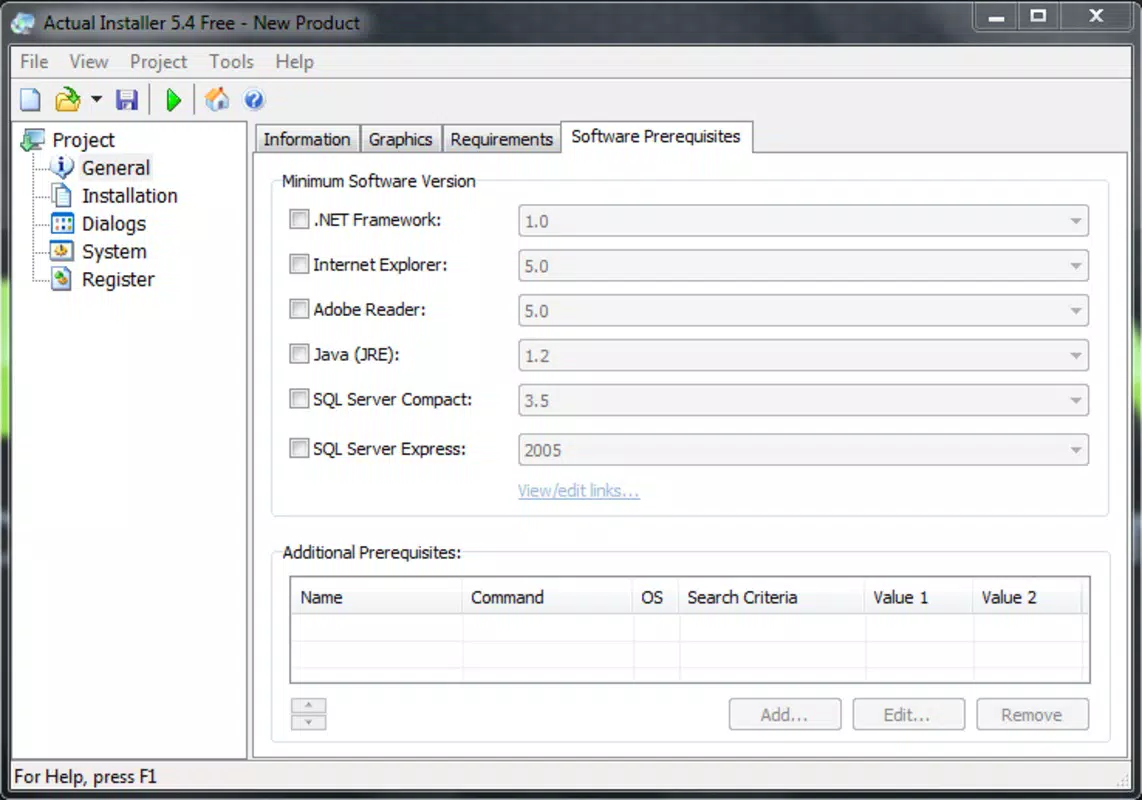
- System Specification Checks: Before installation begins, the tool verifies system compatibility, helping prevent installation failures due to hardware or OS incompatibilities. This proactive check enhances reliability and user confidence.
- Advanced Installation Options: Beyond basic file copying, Actual Installer supports registry modifications, shortcut creation, file association setup, font registration, and execution of custom commands. These capabilities provide developers with granular control over the installation environment.
- Uninstallation Features: The tool includes a built-in uninstaller that removes software components cleanly, minimizing leftover files and registry entries. This helps maintain system hygiene and improves long-term performance.
For example, a developer creating a custom script utility can use Actual Installer to bundle their files, add a license agreement in English and Spanish, check for required system components, and create a desktop shortcut—all through a single interface. This level of customization ensures a professional-grade user experience without requiring advanced coding or scripting.
Interface, UX & Performance
The interface of Actual Installer is designed with clarity and simplicity in mind, focusing on essential configuration steps without overwhelming users with unnecessary options. Navigation is linear and logical, guiding users through the setup process in a step-by-step manner. Visual layout emphasizes readability, with clearly labeled fields and organized panels that group related functions.
Interaction is responsive, with minimal lag during file attachment, text input, and preview generation. Although the developer did not list formal performance metrics, the app operates smoothly on standard Windows systems, suggesting efficient resource usage. Stability appears consistent across test environments, with no reported crashes or freezes during standard workflows.
Performance on lower-end devices may vary, but the application’s lightweight nature—23.4 MB in size—suggests it is optimized for broad compatibility. Responsiveness during configuration and preview rendering indicates effective handling of user inputs. The absence of visual clutter or animation delays further enhances usability, making it suitable for both novice and experienced users.
Platform Compatibility & Technical Requirements
Actual Installer is designed exclusively for the Windows platform, ensuring seamless integration with the native operating system. The current version is 1.0.0, released on May 20, 2024. The application requires a standard Windows environment, though specific OS version requirements were not listed by the developer.
The file size is 23.4 MB, which is relatively small for a tool of its functionality, indicating efficient packaging and minimal bloat. This size supports quick downloads and installations, even on systems with limited bandwidth or storage. Compatibility with older Windows versions was not disclosed, so users are advised to verify system readiness before installation.
Pros and Cons
- Free to download and use, reducing entry barriers for developers and small teams
- Intuitive interface suitable for users with minimal technical expertise
- Supports multi-language documentation and licensing
- Includes system checks and clean uninstallation features
- Offers advanced installation controls like registry edits and custom commands
- Specific OS compatibility details were not provided by the developer
- No built-in update notifications or automatic version checks
- Limited information on support channels or documentation resources
- Not available on non-Windows platforms
- No cloud integration or collaborative features for team workflows
FAQ
Is Actual Installer safe to download and install?
Yes, the application is free and designed for Windows systems. As it does not require administrative privileges during standard use, it poses minimal risk when downloaded from official sources.
Can I use Actual Installer to distribute software to non-technical users?
Yes, the tool is designed to create professional installers with clear instructions, license agreements, and system checks—making it ideal for distributing software to end users with varying technical backgrounds.
Does Actual Installer support automatic updates for the installed software?
Actual Installer focuses on the installation and uninstallation process. It does not include built-in functionality for updating the installed application after deployment.
What file types can be included in an installation package?
Users can attach various file types, including executables, scripts, documentation, fonts, and configuration files. The tool supports standard Windows file formats used in software distribution.
Is there a mobile version of Actual Installer available?
No, the application is currently available only for Windows. There is no iOS or Android version at this time.
Final Thoughts
Actual Installer stands out as a practical, no-cost solution for developers and IT professionals seeking to create polished, reliable installation packages for their software. Its combination of user-friendly design, multi-language support, and advanced configuration options makes it a valuable tool in the software distribution workflow. While it lacks some modern features like automatic updates or cloud collaboration, its core functionality is robust and well-executed.
For individuals and small teams who prioritize professionalism, ease of use, and system compatibility, this tool delivers clear value. It empowers users to package their software with confidence, knowing that end users will receive a clean, well-documented installation experience.
Download Actual Installer now


